
SugarClip
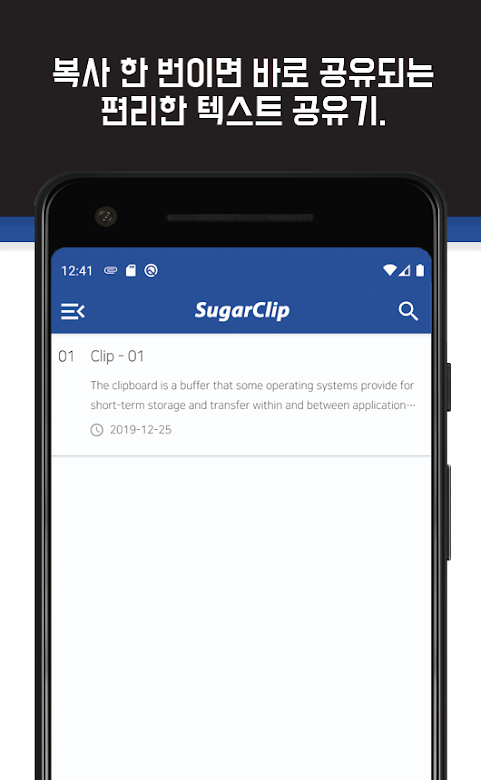
Copy text and SugarClip shares it to the note app you picked (KakaoTalk “Chat with myself”, Google Keep, OneNote, Evernote), and keeps what you copied with the time and source label so you can search it later. On Android 10 and later, system limits mean it usually saves only what you copy while SugarClip is open.
What it does
Share by copying
No pasting: copy and the share screen of your chosen app opens. On Android 10 and later this usually works while SugarClip is open.
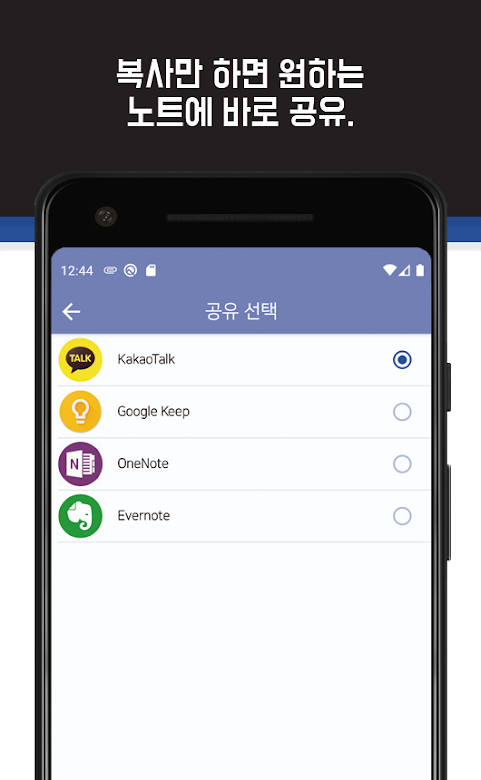
Pick the target app
KakaoTalk “Chat with myself”, Google Keep, OneNote or Evernote.
History and search
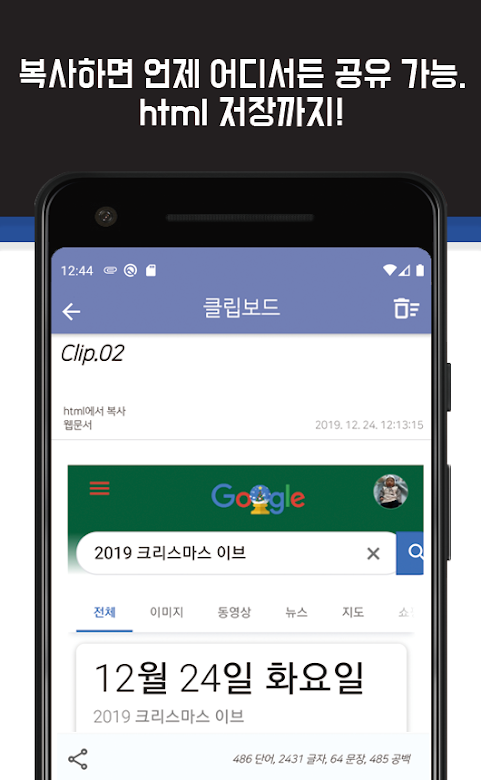
Copied text and web page HTML are saved with the time and source label, and you can search them.
Pause and resume
Pause the service when you don't need auto-sharing.
Privacy
- Copied content (clips) stays on your device and is not sent to our servers or to ad and analytics services.
- Shared clips go only to the share screen of the app you pick.
- The app includes ads (Google AdMob) and usage statistics (Google Analytics).
See the SugarClip privacy policy for details.
Frequently asked questions
Does copied text leave my phone?
No. Clips are stored on your device and go to another app only when you share them.
Which apps can I share to?
KakaoTalk “Chat with myself”, Google Keep, OneNote or Evernote.
Contact
If something isn't working or you have a question, send us an email.
Email: sugarmount21@gmail.com